
How Oppy Works
A Guide to Oppy Marketplace
No seller fees. No commission. Secure payments. Australia-wide delivery. Local pickup. Local Australian support.
Three steps
Sell on Oppy.
01
List.
List your Art, Handmade, Upcycled or Second-hand. It only takes a few minutes.
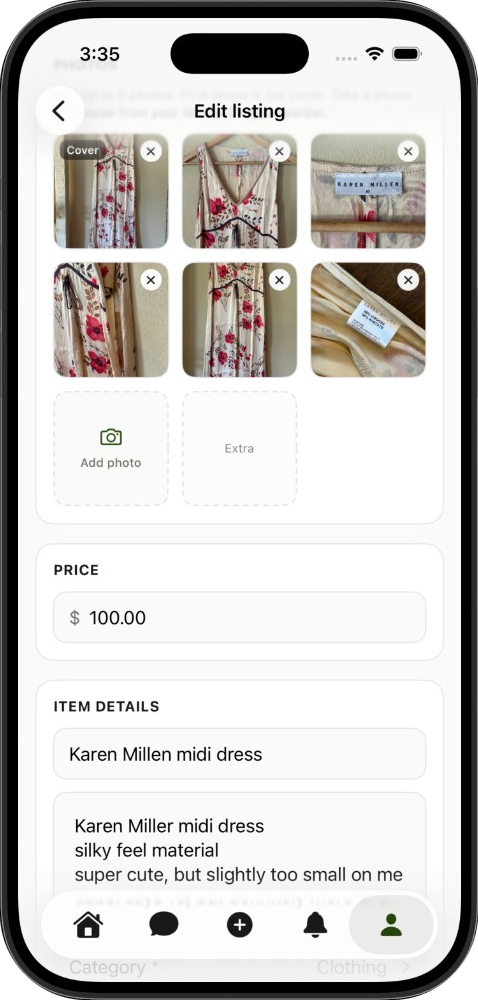
- Upload a few photos
- Add a title and description
- Set your price
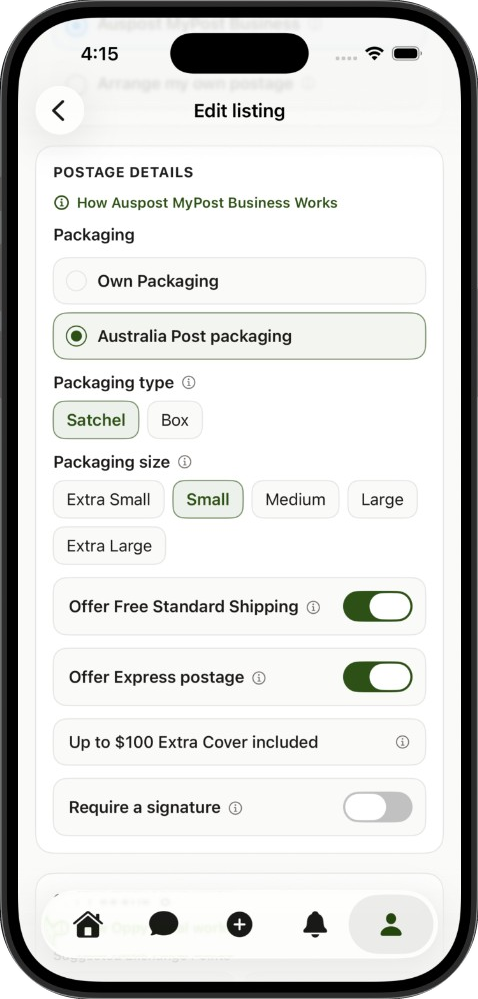
- Choose postage, local pickup, or both
- There are no seller fees, so whatever you sell is yours to keep
02
Post or meet.
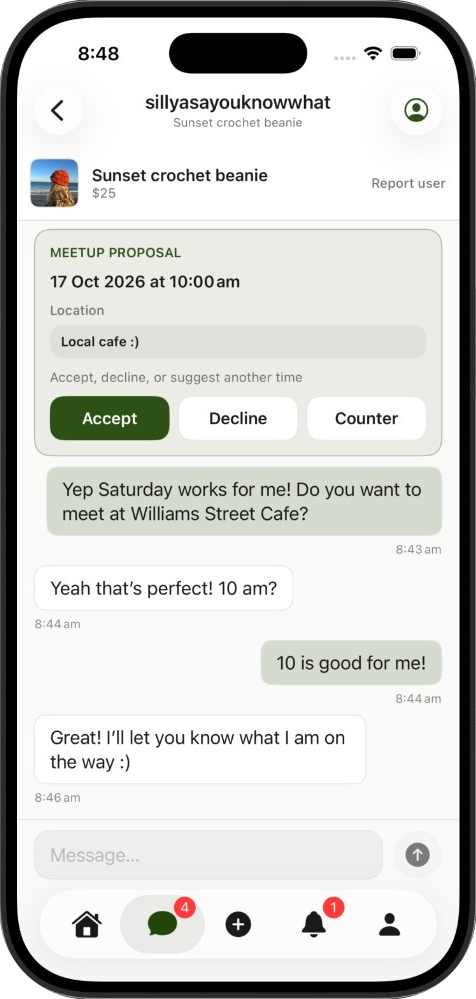
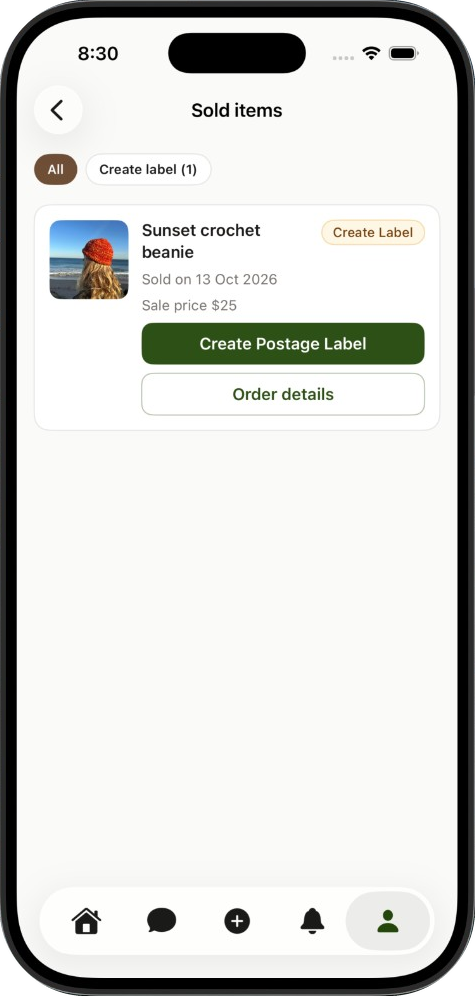
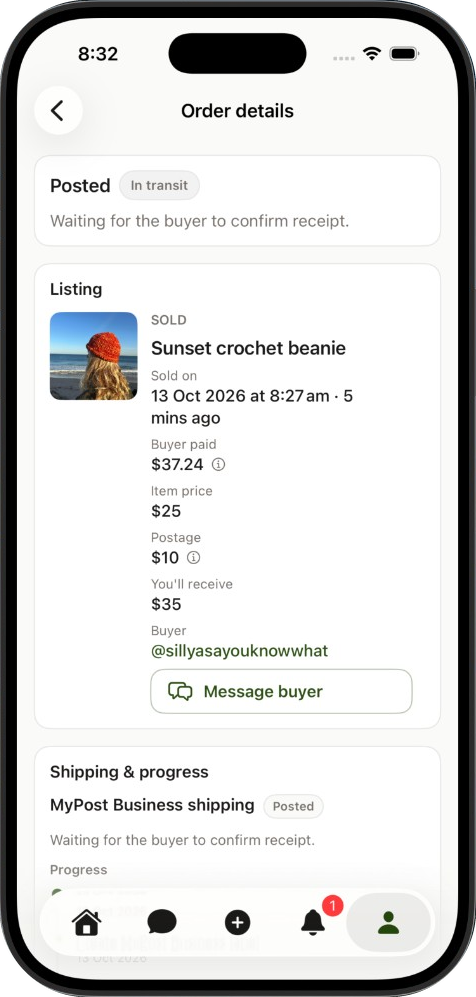
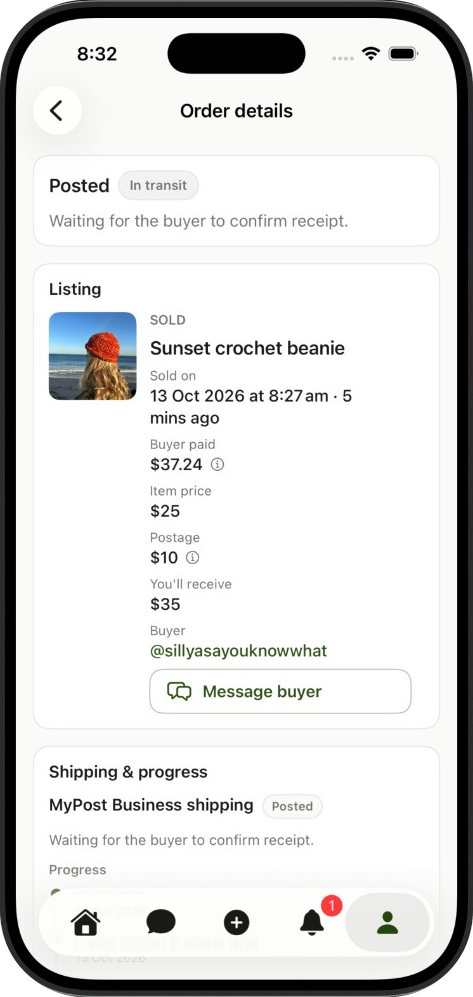
When your item sells, pack it up or meet the buyer. Their payment stays held until they confirm.
- Look out for notifications on the app, web, or in your email
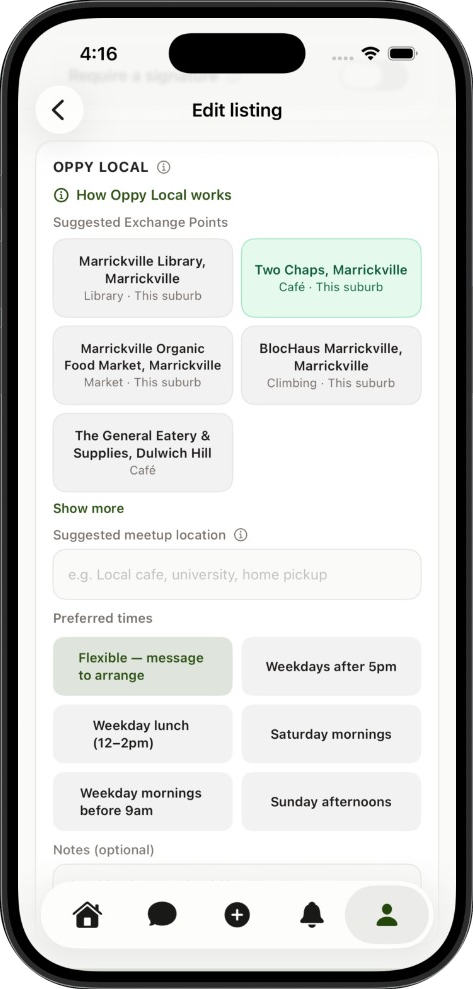
- Pack and post it using your postage option, or meet in person with Oppy Local
- The buyer's payment is held securely until they confirm delivery or a local exchange is completed
03
Get paid.
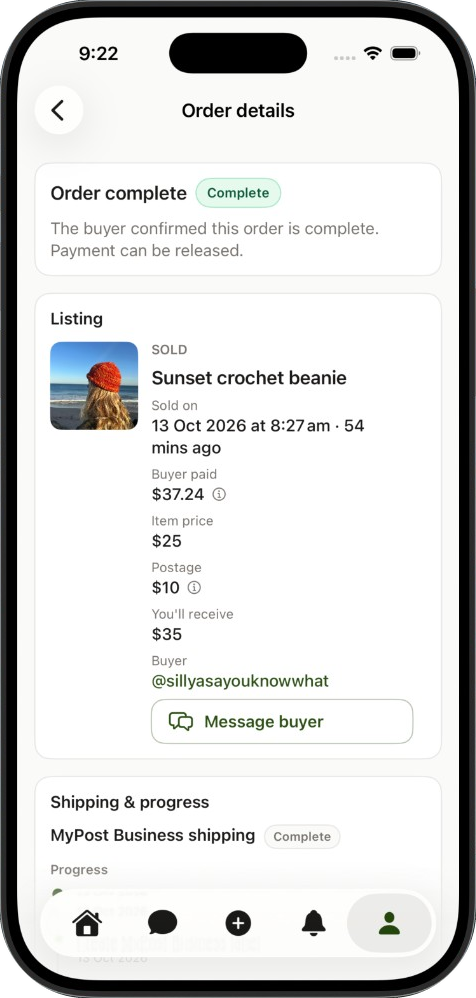
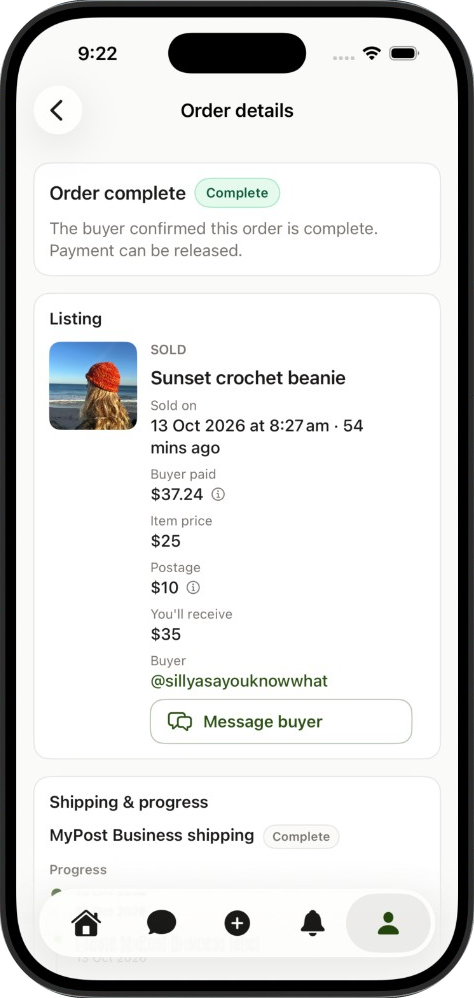
Earnings release when the buyer confirms, then land in your account within a few days.
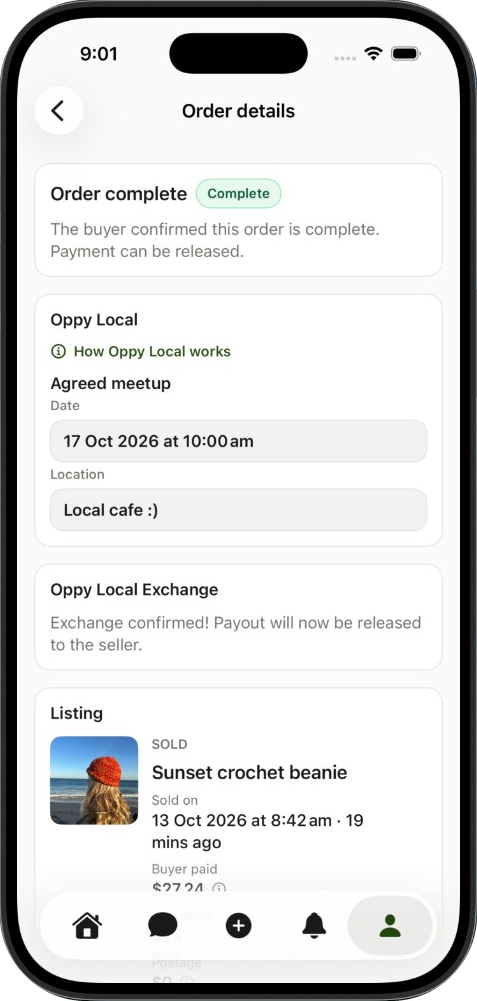
- Once your buyer confirms the order arrived as expected, your earnings are released
- If they don't confirm within 2 days of delivery, you still get paid — unless a problem has been reported
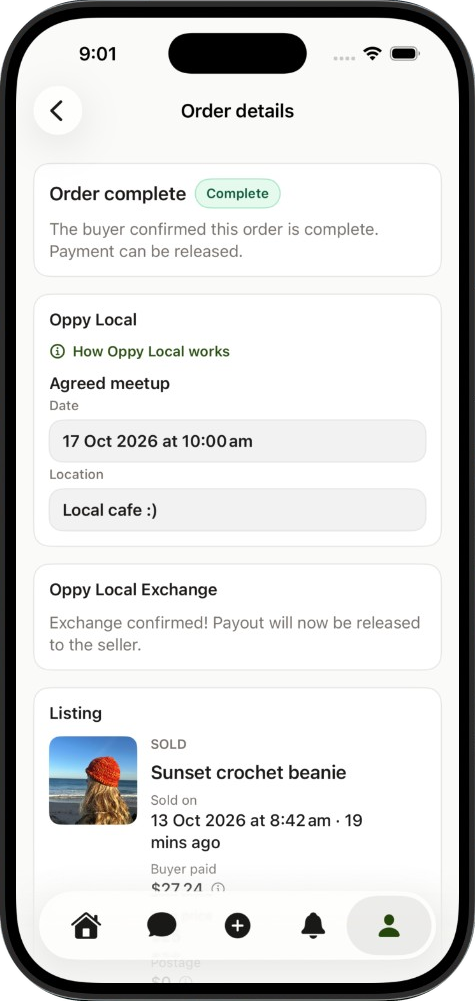
- For Oppy Local, enter the confirmation code after the in-person exchange and your earnings are released
- Track the payout here
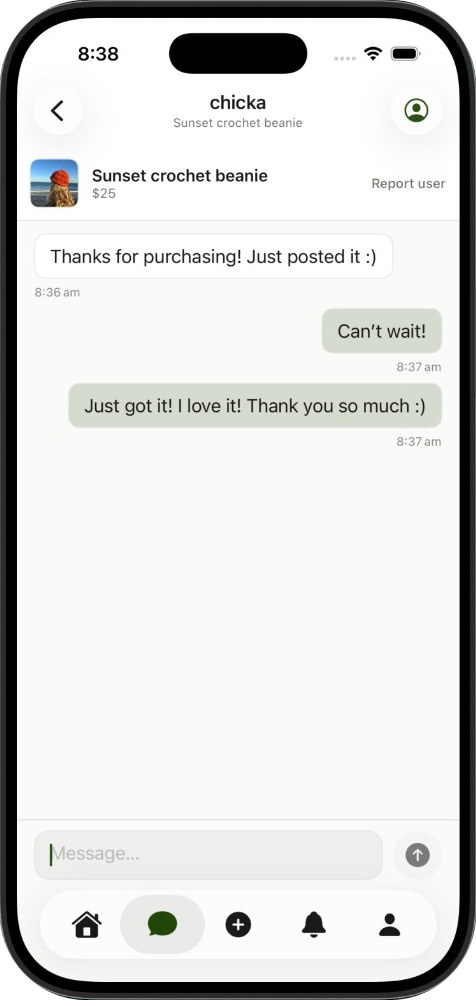
How the buyer will get your item
Offer postage, in-person Oppy Local, or both — the buyer chooses at checkout.
Oppy Local
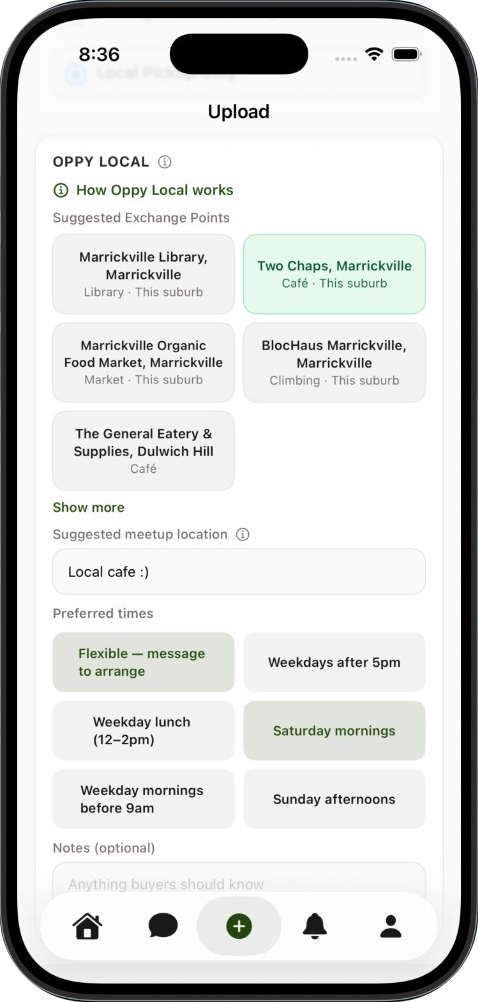
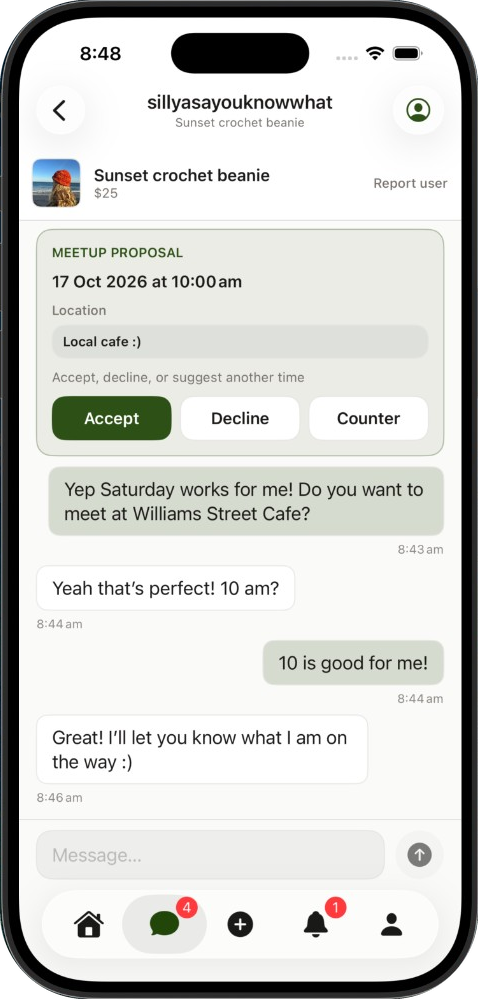
- Organise the meetup in messages after purchase.
- Meet in person.
- Inspect, then complete handover with a 5-digit code.
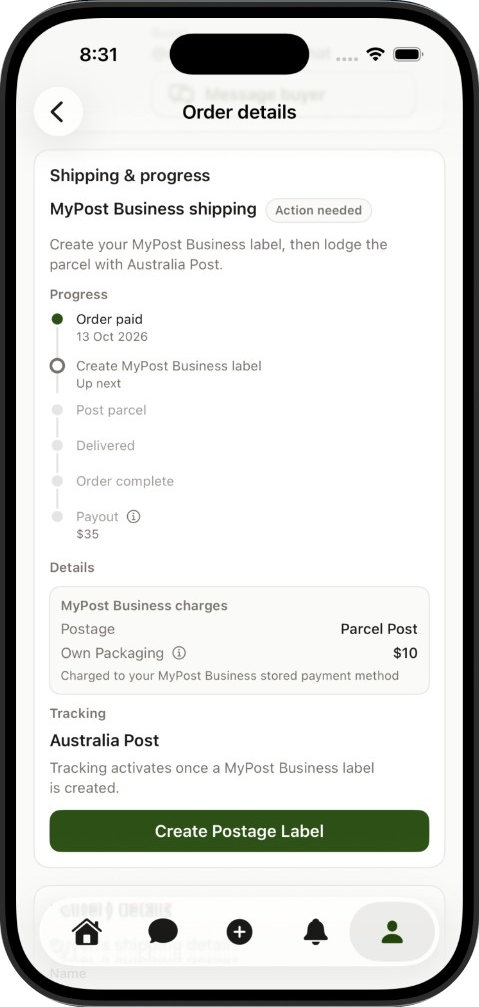
Auspost MyPost Business
- Connect your Auspost Business account here.
- Generate your postage labels directly through Oppy with the click of a button.
- Simply print the label, attach it and lodge your parcel.
- Access your savings bands rates for simple, cost-effective shipping of your items.
- Don't have a MyPost Business account yet? Set one up now for free here. Anyone can setup an account and it only takes a few minutes.
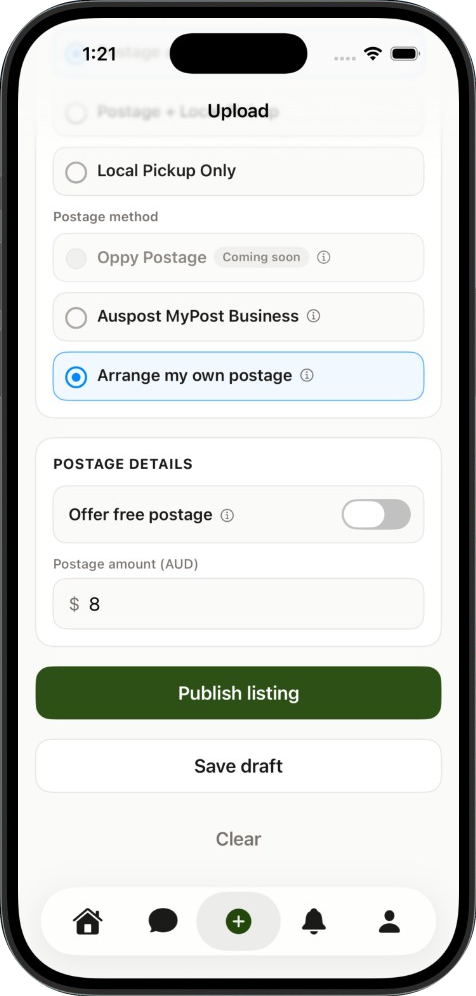
Arrange my own postage
- Prefer using another courier or organising shipping yourself?
- No problem.
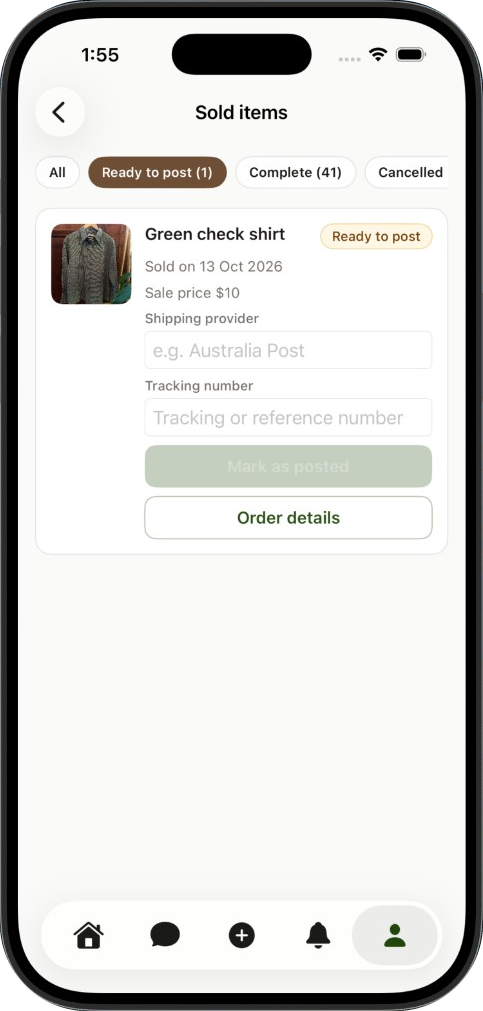
- Upload your tracking details once you've sent the parcel.
Oppy Postage
Early 2027- Automated shipping labels at pre-set Oppy rates.
- No accounts required.
- Simply print the label, attach it and lodge your parcel.
Coming soon...
Coming soon...
Coming soon


Questions
Nothing — Oppy does not charge seller fees. What you sell is yours to keep. Buyers pay a small Oppy fee at checkout (based on the item price) plus postage where applicable.
The Oppy fee is paid by the buyer and shown at checkout before you pay. This helps us offer customer support, dispute resolution, secure payments and the smooth operation of Oppy Marketplace.
Item price
Under $15 — $1.20 + 2.5%
$15 – $100 — $0.99 + 5%
Above $100 — $4.99 + 2.5%
Set up payouts in Profile → Payments by connecting a Stripe account with your bank details. After a sale, your earnings are held securely until the buyer confirms the order, then released to your connected account.
After your buyer confirms everything arrived as described, or automatically 2 days after delivery if they don't report a problem. For Oppy Local, earnings release when you enter the confirmation code after the in-person exchange. Payouts are paused while an open dispute is being resolved. For Oppy Postage orders, postage reconciliation may also need to complete first.
Buyers have 5 days after the order is complete to leave a review. If they don't, Oppy adds an automatic 5-star Order Completed review so the sale still counts toward your rating.
If your order is in transit and hasn't arrived, the buyer can report a problem from the order page. Oppy will help both parties work through what happened and reach a fair outcome.
Yes — on Second-hand listings. You can buy instantly at the listed price, send an offer, accept counter offers, and message sellers before purchasing. Art, Handmade, and Upcycled listings are buy-at-listed-price only (you can still message the seller).
Yes. Open your listing and choose Edit to update photos, price, description, or shipping options anytime before it sells.
Tap the heart on any listing to add it to your Saved listings. Open Saved listings anytime from the heart in the header so you can come back when you're ready to buy.
Yes. You can delete a listing from your profile, or mark it unavailable to archive it and reactivate later if it hasn't sold.
Yes. Use Report user on a seller's profile, listing, or message thread. Our team reviews reports and can take action on accounts that break community guidelines.
Checkout is processed securely by Stripe. Payments must be made with an Australian-issued debit or credit card.
When you buy through Oppy, your payment is processed securely and the seller's payout is held until you confirm your order arrived as described — or until a local exchange is completed. If something goes wrong, you can report a problem and Oppy will help resolve it.
Report a problem from your order within 2 days of delivery. Oppy can help you and the seller reach a fair resolution — which may include a partial refund, return, or other agreed outcome.
Yes. When listing, choose Arrange my own postage to organise shipping yourself with any courier. Add tracking details on the order once you've posted the parcel.
Once your payout is released from Oppy, funds are sent to your connected Stripe account. How quickly they reach your bank depends on Stripe and your bank — often a few business days.